
YoupiLab Arduino Kit user's guide
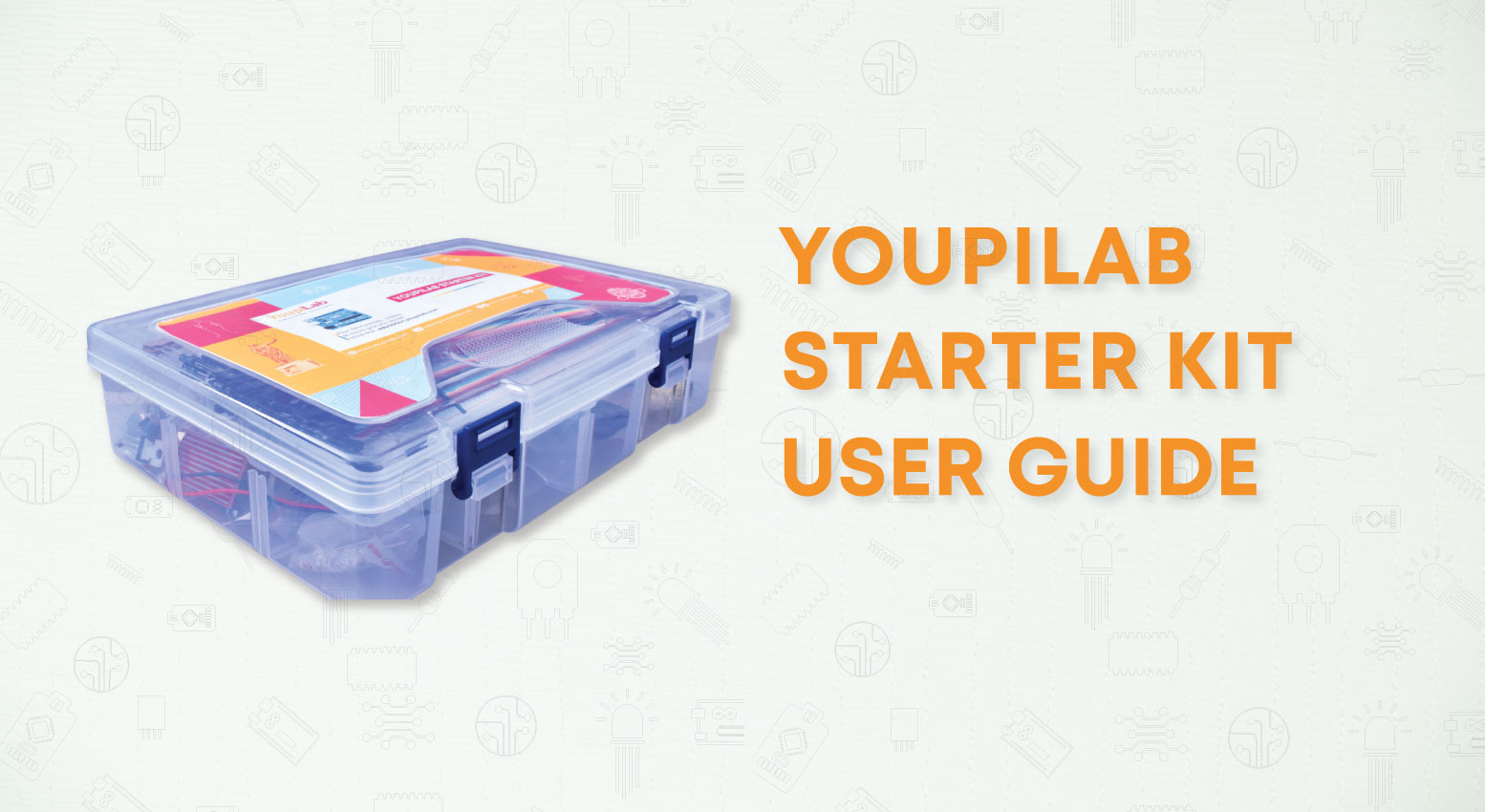
🎯 YoupiLab Arduino Kit User Guide
👉 Access the complete guide: Click here
Get Started with Arduino Using YoupiLab
You have a YoupiLab Arduino kit in your hands and you don't know where to start?
You want to learn how to use each component of your kit to
create your first electronic projects? You've come to the right place!
At YoupiLab, we have designed a detailed and structured guide, specifically
designed for beginners. Whether you are passionate about electronics, a student, or
simply curious, this guide will accompany you step by step to exploit the full
potential of your Arduino kit.
What will you learn in this guide?
Our guide takes you by the hand, from unboxing the kit to creating your own projects. It includes:
- A complete introduction to the Arduino IDE: installation, configuration, and getting started
- A clear tutorial for adding libraries and using the serial monitor
- Precise explanations of each component in your kit
- 21 practical lessons to learn how to program sensors, LEDs, buzzers, displays, and much more
- A complete introduction to the Arduino IDE: installation, configuration, and getting started
🛠 Projects included in the guide
You will learn to create engaging projects, such as:
- Make an LED blink and vary its intensity
- Create a PIR motion sensor to detect presence
- Use a 16x2 LCD screen to display text and values
- Program a DHT11 temperature and humidity sensor
- Control a servo motor and relay module for automation
- Use an RFID module for access management
- Measure distance with an ultrasonic sensor
- Make an LED blink and vary its intensity
And much more! Each project is accompanied by:
- A detailed wiring diagram
- Ready-to-use and commented code
- Clear and illustrated explanations
Why choose the YoupiLab Arduino Kit?
🔹Designed for all levels: even without any knowledge of electronics, you can progress quickly
🔹 Fun and practical learning: concrete exercises to fully understand each module
🔹 Quality support: YoupiLab provides you with educational resources and a passionate community
🔹 Direct access to components: all the elements used in the guide are available on youpilab.components
With this guide, you will go from beginner to creator in no time!
👉 Access the complete guide: Click here
YoupiLab, your partner in electronics and innovation! 🚀
Comments (0)
Sign in to react to this article
You must sign in to your YoupiLab account to post comments on the blog.