
Learn how to use the ESP8266 with YoupiLab: create your own Web server and control your connected objects!
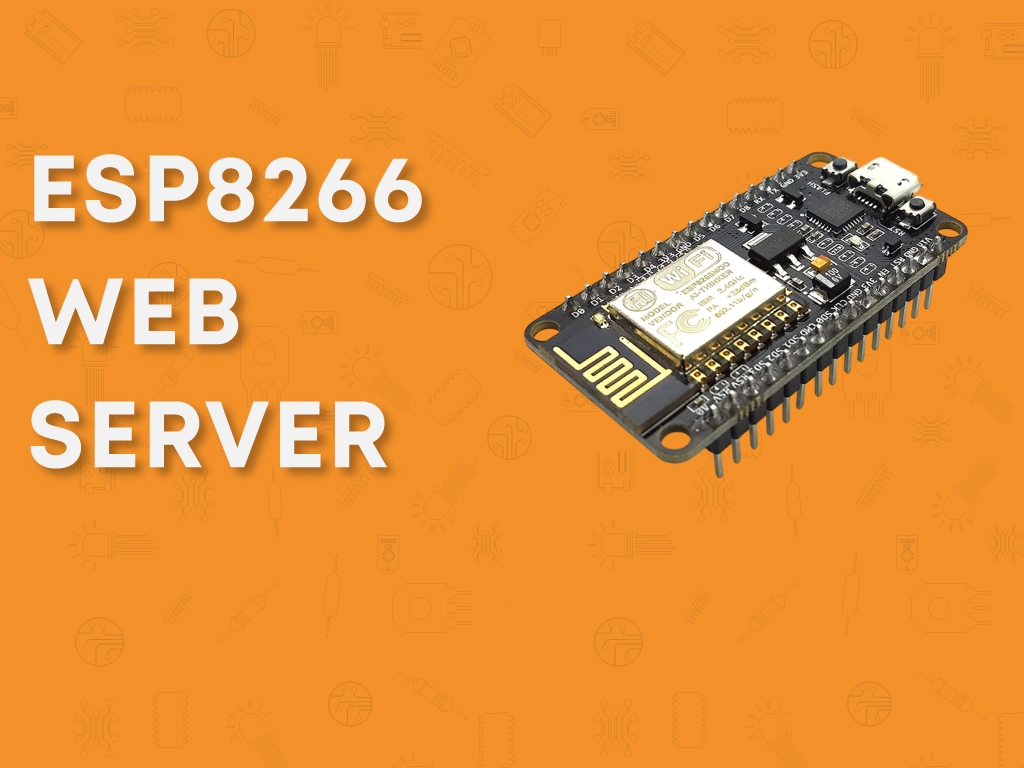
Learn to Use the ESP8266 with YoupiLab: Create Your Own
Web Server and Control Your Connected Objects!
👉 Access the complete guide: Click here
Want to enter the world of IoT? The ESP8266 is your best ally!
The ESP8266 is a powerful and economical Wi-Fi module that allows you to connect your
Arduino projects to the Internet. Imagine being able to control your devices remotely, automate
your home or create your own web server... All of this is within your reach, even if you're just starting out!
At YoupiLab, we have designed a complete guide to teach you step by step how to
use this module and create your own connected projects.
🔍 What does this guide contain?
This detailed guide accompanies you from A to Z, from installing the ESP8266 to creating concrete projects. You will learn to:
-
-
Install the ESP8266 in the Arduino IDE
and write your first programs
-
Make an LED blink with the ESP8266
(the essential "Hello World" of electronics)
-
Create an autonomous web server
to control LEDs and other devices remotely
-
Establish stable Wi-Fi communication
with your microcontroller
-
Customize your web interface
to interact with your projects in real-time
-
Install the ESP8266 in the Arduino IDE
and write your first programs
What you will be able to create with the ESP8266!
Thanks to this guide, you will be able to:
-
-
Create an embedded web server on your ESP8266
-
Control LEDs, motors, and relays via Wi-Fi
- Build a surveillance or home automation system
- Develop innovative IoT projects and automate your environment
-
Create an embedded web server on your ESP8266
Each chapter includes:
-
A detailed wiring diagram
- Ready-to-use and well-commented code, clear explanations to understand and modify the projects
With this guide, you will go from simple curious to IoT creator, ready to explore the world of connected objects!
Don't miss this opportunity to learn everything there is to know about the ESP8266 and accelerate your learning.
👉
Access the complete guide:
Click here
YoupiLab, your partner in electronics and innovation! 🚀
Comments (0)
Sign in to react to this article
You must sign in to your YoupiLab account to post comments on the blog.